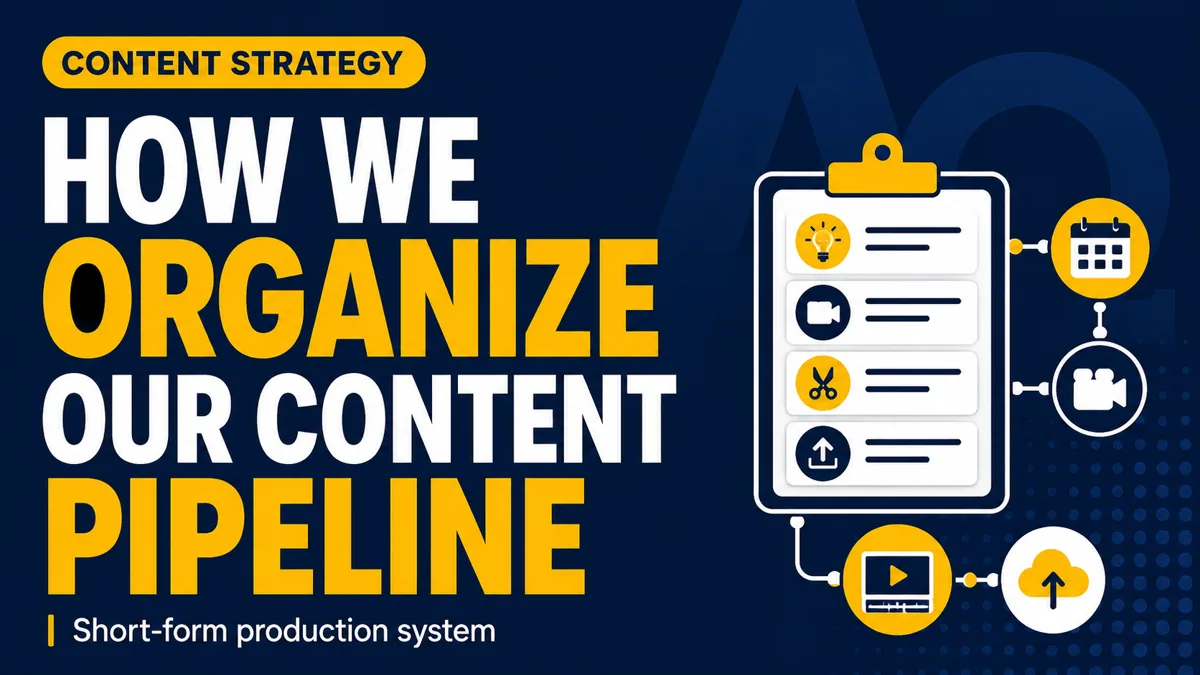
Good ideas and strong editing aren't enough when you produce short-form content for several clients. Our short-form content production pipeline runs every client shoot as one task through 14 stages, on ClickUp, WeTransfer, Frame.io and Google Drive — so nobody has to ask where a video stands.
By Arnaud Utille — Founder, The Alpha Omega Hub · Published February 5, 2027
How do you organize a short-form content production pipeline?
Create each client shoot as a single task and move it through clearly defined stages: Ideas, To Plan, Scheduled, To Copywrite, Client Review, Ready for Shoot, Ready to Edit, Editing, In Review, Modification Required, Final Review, Upload to Drive, To Be Paid, Done. ClickUp tracks status, WeTransfer moves the footage, Frame.io handles reviews, Google Drive stores and delivers.
Which tools run the short-form content production pipeline?
Four, each with one job. ClickUp tracks the status of every video shoot. WeTransfer moves large video files between the production and editing teams. Frame.io manages video reviews and revisions. Google Drive stores and delivers the final content. Copywriters, videographers, editors, project coordinators and clients all read the same board, so at any moment we know what still needs planning, which scripts are being written, what's waiting for client approval, which shoot is ready for production, which videos are being edited, which need revisions, and what has been approved and delivered.
What are the stages of the pipeline, from idea to delivery?
1. Ideas. Every project starts here: potential video ideas, marketing angles, short-form formats, hooks, customer objections, educational topics, creative concepts, and notes about the company, offer and target audience. Popular angles come from your own data and your competitors — the method is in how to find your winning angles. The goal isn't random video ideas; it's the messages and formats most relevant to the company's audience.
2. To Plan. We set the goal of the shoot, the target audience, the number of videos, the most relevant angles, the formats, the people who need to appear on camera, the location, and the equipment and logistics. Every shoot has a strategy before scripting or filming.
3. Scheduled. Once the shoot date is confirmed, the team gets visibility over upcoming client shoots, production dates, locations, availability and prep deadlines — which is how you avoid missed deadlines and scheduling conflicts.
4. To Copywrite. Angles and ideas become scripts, hooks, talking points, scenes, interview questions, calls to action and B-roll requirements. The video has to grab attention fast while still delivering a clear message.
5. Client Review. The client validates the scripts, the information communicated, the offer, the angles, the formats, and the claims made about the company or service. It's far easier to change a script before filming than to discover after production that a detail was wrong.
6. Ready for Shoot. Scripts validated, angles clear, date confirmed, location ready, the crew knows what to record, and the actors, employees or business owners are prepared.
7. Ready to Edit. Footage goes to the editing team via WeTransfer: raw video, audio, B-roll, project documents, brand assets, logos and any additional client files.
8. Editing. The editor selects the best takes, structures the video, adds captions, places B-roll, improves audio, adds music, applies branding, sets the pacing and exports. Because the editor gets the whole batch at once, the style stays consistent — the argument behind recording a month of content in one day.
9. In Review with Frame.io. First edits are uploaded to Frame.io so the team and the client can comment on the exact frame where a change is needed. Instead of "change something around the middle of the video," you get a specific note on captions, spelling, B-roll, cuts, audio, branding, context, visual effects or the call to action.
10. Modification Required. Requested changes land here: fixing spelling, replacing incorrect B-roll, adjusting captions, changing music, removing unnecessary edits, correcting branding, changing a CTA, updating information, shortening a section. The editor uploads the new version back to Frame.io.
11. Final Review. We confirm every requested modification is done, captions are correct, B-roll matches the context, the company is represented accurately, branding is consistent, audio and image quality hold up, and nothing requested was forgotten.
12. Upload to Drive. Approved videos are organized in the client's Google Drive folder: final edits, different versions, thumbnails, captions, scripts, raw footage when needed, and other assets. WeTransfer moves big files fast; Drive is long-term organization and delivery.
13. To Be Paid. Any payment tied to the shoot, editing, videographer, actor or production partner sits here so it isn't forgotten.
14. Done. Filmed, edited, reviewed, approved, uploaded, delivered, paid.
What happens without a content production pipeline?
| Step | No pipeline | With the pipeline |
|---|---|---|
| Scripts | Get lost in inboxes and chats | Live on the task, validated before the shoot |
| Client approval | Client doesn't know what to review | Client Review and Frame.io stages, frame-accurate notes |
| Revisions | "Change something in the middle" | Comment pinned to the exact frame |
| Versions | Editor works on the wrong file | Latest cut in Frame.io, finals in Drive |
| Payments | Forgotten after delivery | To Be Paid stage before Done |
Why does this pipeline matter for a Tampa Bay business?
Because as a client you feel the pipeline more than you see it: your scripts arrive before the shoot day, your Clearwater or St. Pete location is booked with the right people on camera, your comments are answered on the exact frame, and your finished videos live in one organized Drive folder. That's how we deliver 10 tailored short-form videos with first versions within 10 days after the shoot — strategy, concepts, scripts, filming, talent and editing in-house. We create organic short-form content; we don't manage ad campaigns. Start your project and you'll see the stages move.
❓ FAQ
Why use Frame.io instead of email for video revisions?
Frame.io lets the reviewer click the exact frame and leave a specific comment on captions, cuts, B-roll, audio or branding — instead of vague notes about "the middle of the video."
Why both WeTransfer and Google Drive?
WeTransfer moves large production files quickly between the shoot crew and the editors. Google Drive is the client's permanent, organized home for finals, versions, thumbnails, captions and scripts.
How much is the client involved?
Twice, mainly: Client Review before filming to validate scripts, angles, formats and claims, and the Frame.io review of the first edits.
Can a small business copy this pipeline?
Yes. Keep the stages — ideas, plan, schedule, script, approve, shoot, edit, review, revise, deliver — and use whatever tools you already have. The stages matter more than the software.
The Alpha Omega Hub is a short-form vertical content agency in Tampa Bay, Florida. We create customized short-form videos for local B2C businesses — strategy, concepts, scripts, filming, talent, and editing, all in-house.
Book a call